
The borrower's side of the deal.
The Portal is where borrowers answer requests, upload their files, keep to the reporting calendar and sign certificates on CORA. Both sides read the same agreement, so what arrives already ties to what the lender expects.
At a glance
Checked before it is signed
The certificate is calculated from the borrower's source figures, with each difference from their workbook flagged before anyone signs.
Dates from the agreement
The certificate, the statements and the compliance certificate, with due dates mapped from the agreement's own words.
One signature or two
Each signature asks for a fresh code from the signer's authenticator, and the signed PDF carries each signer's name, title and time.
In detail
Your borrowers, on your deals.
Invite each borrower to the Portal for its own deal. They see their requests and their calendar; your team sees what arrives, read against the same agreement.
- Requests from the deal team, in one list
- Uploads filed to the deal's data room
- Files in the format the borrower already sends
Or direct, for the borrower.
Companies can also work on CORA directly, as CORA for Borrowers: their own workspace, separate from any lender's platform, for the reporting their lenders require. They set up a facility from the agreement and the files they already keep, and their lender receives what they choose to send.
- The company's own workspace and record
- A facility set up from the agreement and the last package
- Sent the usual way, then recorded as sent
A package in the shape you expect.
Each period, the borrower's side produces what the agreement calls for, signed and tied to its period.
- The signed certificate as a PDF with its signatures block
- The pack: the workbook with CORA's sheet, the support files and a read-me
- Compliance certificates and statements filed against their period
How borrowers use it.
Upload your files
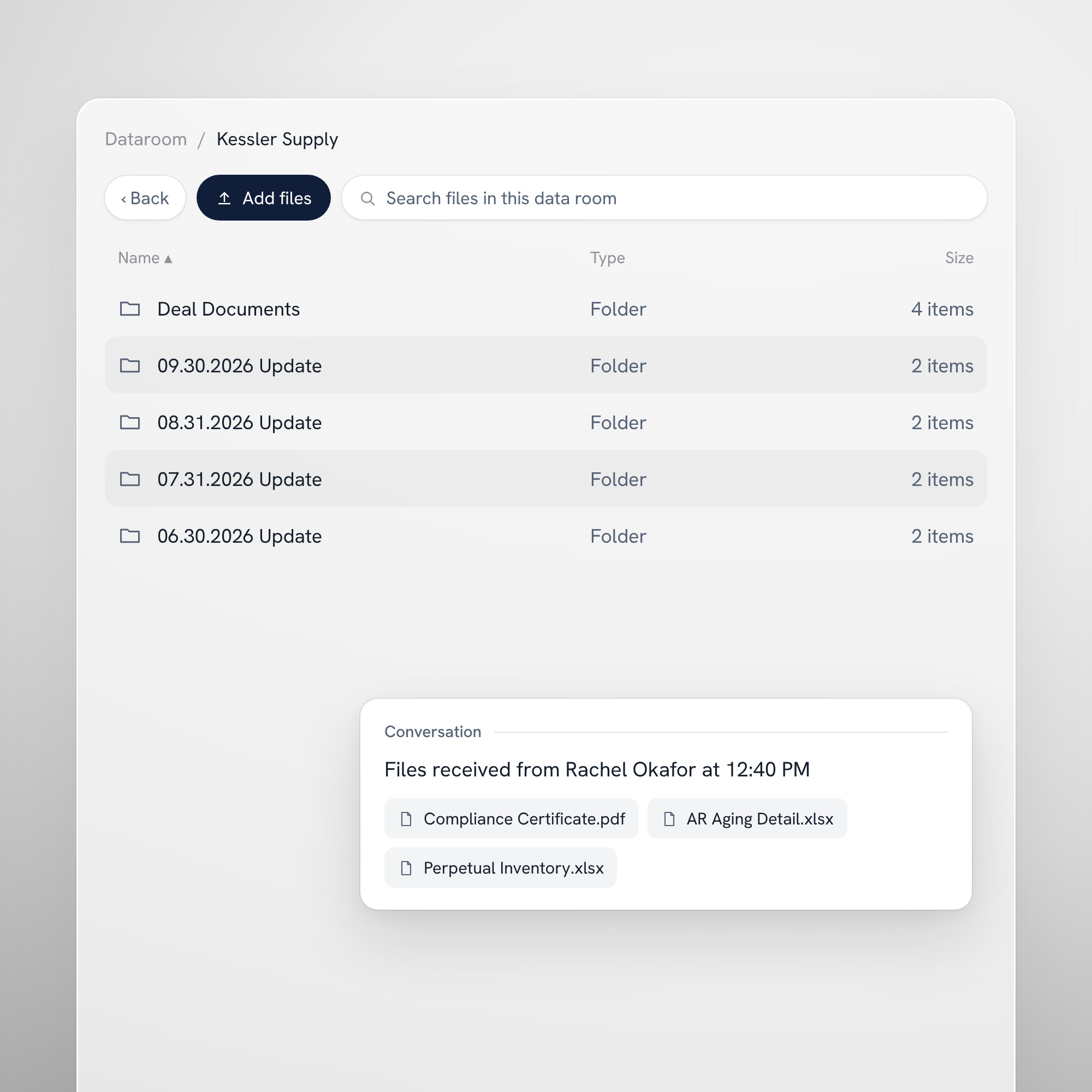
Add the files you already keep to your deal's data room, in the format you already send.
Find a past period
Go back to an earlier period's files, kept against the period they belong to.
Send the period's files
Send the period's files, and your lender's deal team sees what arrived and who sent it.
Questions.
How do our borrowers get onto the Portal?
Your team invites each borrower to the Portal for its own deal. They see their requests and calendar there, and your team sees what arrives.
What is the difference between the Portal and CORA for Borrowers?
The Portal is lender-run: you invite the borrower to your deal. CORA for Borrowers is the company's own workspace on CORA, separate from any lender's, where it prepares and signs the reporting its lenders require.
Do borrowers have to change how they keep their files?
No. They upload the files they already keep, in the format they already send, and CORA classes each one as it arrives.
How do we know who signed a certificate?
The signed PDF carries each signer's name, title and time, and the signature is on the record with the person, the session and the time.
Can a borrower require two signatures?
Yes. A company chooses one signature or two, and with two the certificate waits for both signers.
Bring your borrowers onto the same page.
Invite one borrower to the Portal and see its next period arrive ready to review.